Animate First & Last Frames with native sound
Lock your opening keyframe and optional closing frame across 4–30 seconds of 1080p motion with synchronized dialogue and foley.
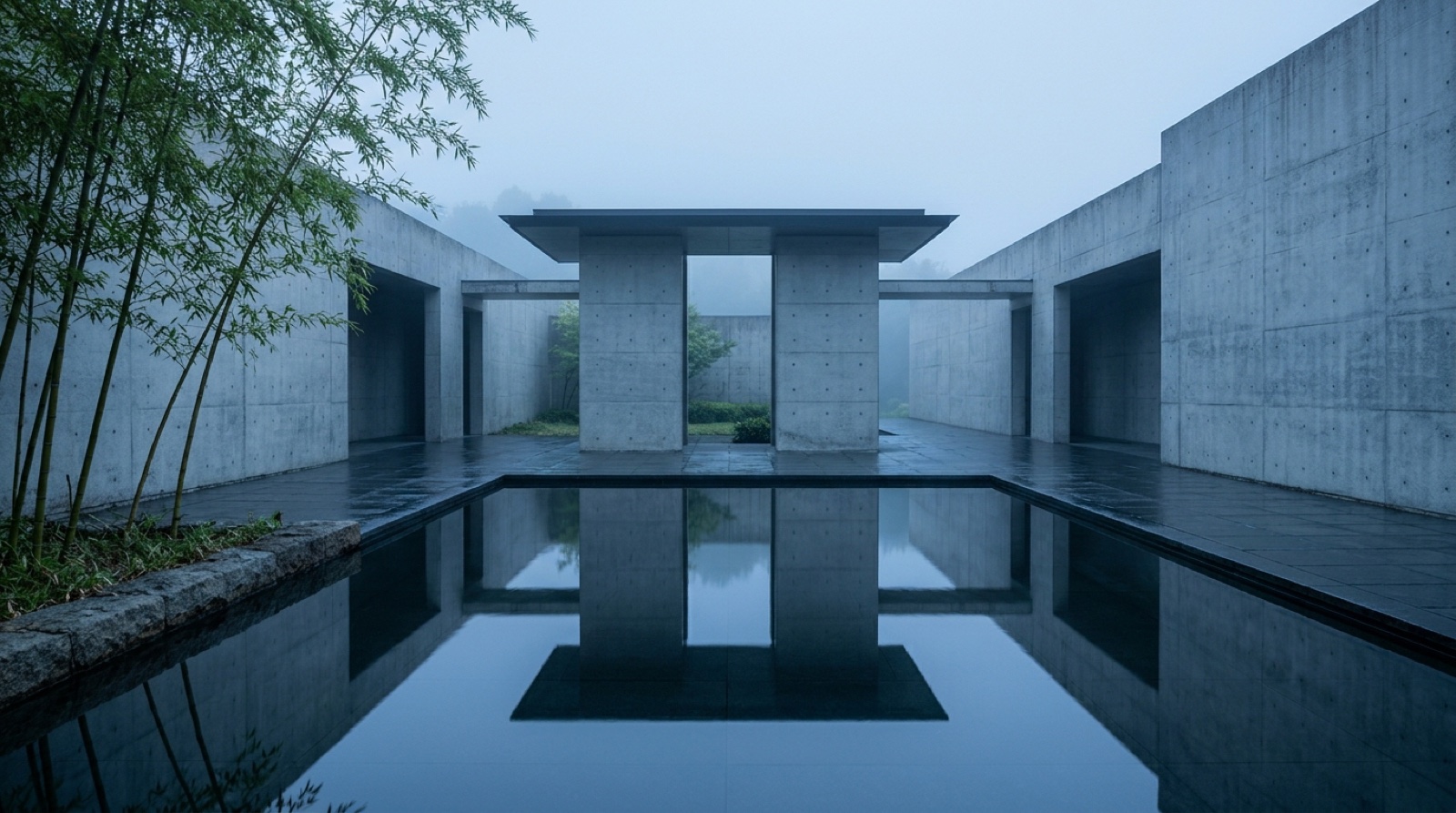
01 · FIRST FRAME — Pre-dawn mist
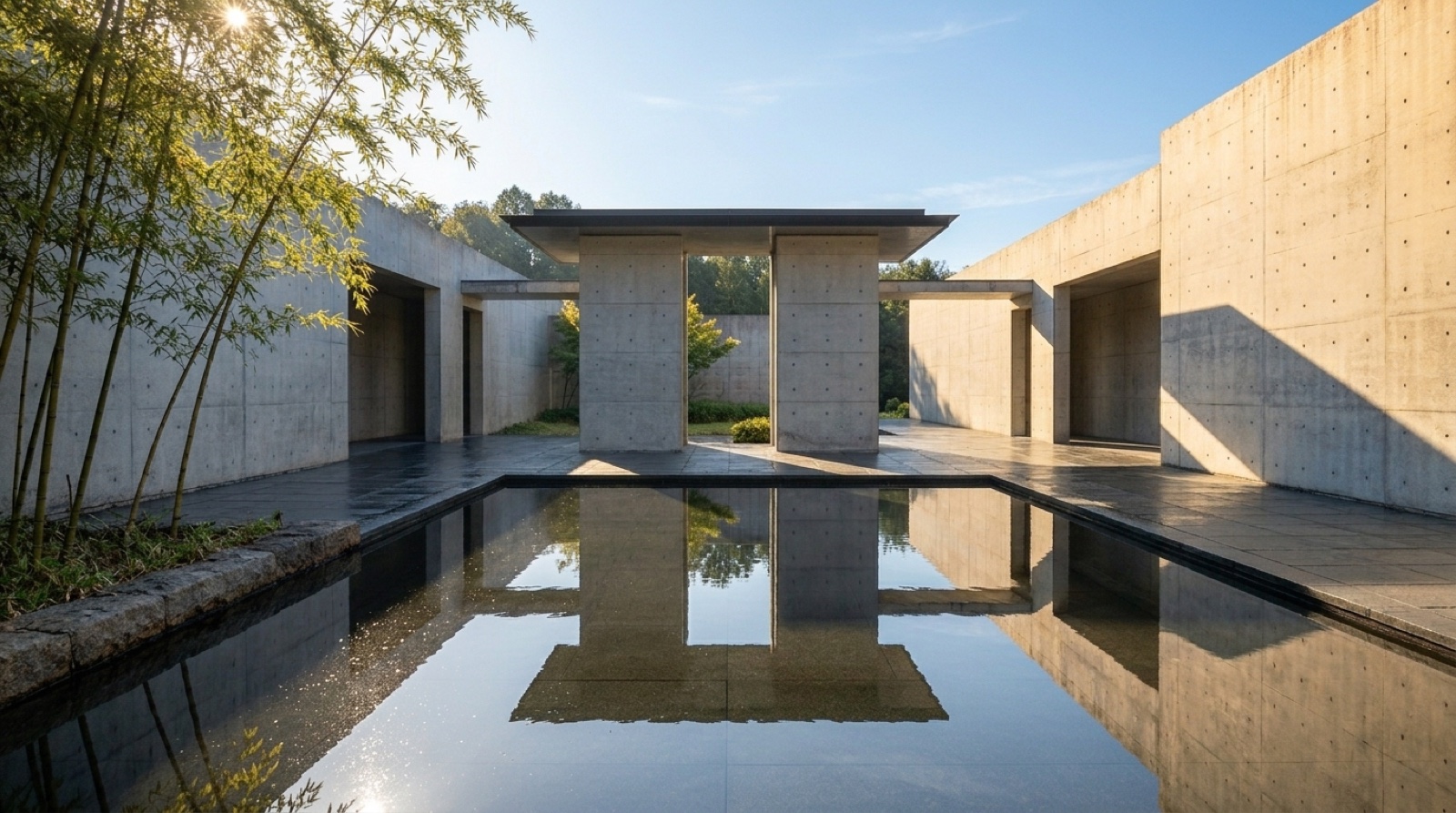
02 · LAST FRAME — Golden midday light bridge
First-Frame Anchoring
Use a high-resolution product photo, architectural render, or Midjourney/Flux still as second 0, then describe camera movement and audio cues.
Last-Frame Morph Control
Provide an optional end-frame image to bridge two exact compositions—ideal for day-to-night timelapses, reveal shots, and product transformations.
Need Multi-Clip Consistency?
If you want to keep a character consistent across multiple angles or reuse a motion clip, switch to Reference-to-Video.
Image-to-Video FAQ
How do first frame and last frame controls work in MAGI-2 Image-to-Video?+
Upload a required starting frame image to lock composition, character appearance, and lighting from second 0. Optionally upload a last frame image to guide where the camera and subject resolve at the end of your 4–30s clip.
Which aspect ratios are supported for Image-to-Video?+
MAGI-2 supports 16:9, 9:16, 1:1, 4:3, 3:4, and 21:9. Match the aspect ratio setting to your uploaded frame for clean framing without unwanted cropping.
Does Image-to-Video still generate synchronized sound?+
Yes. Even when animating a still photograph, MAGI-2 generates matching ambient sound, foley, and spoken dialogue when you include audio cues in your prompt.